
Invitations and Access Control
Applies to: All
Overview
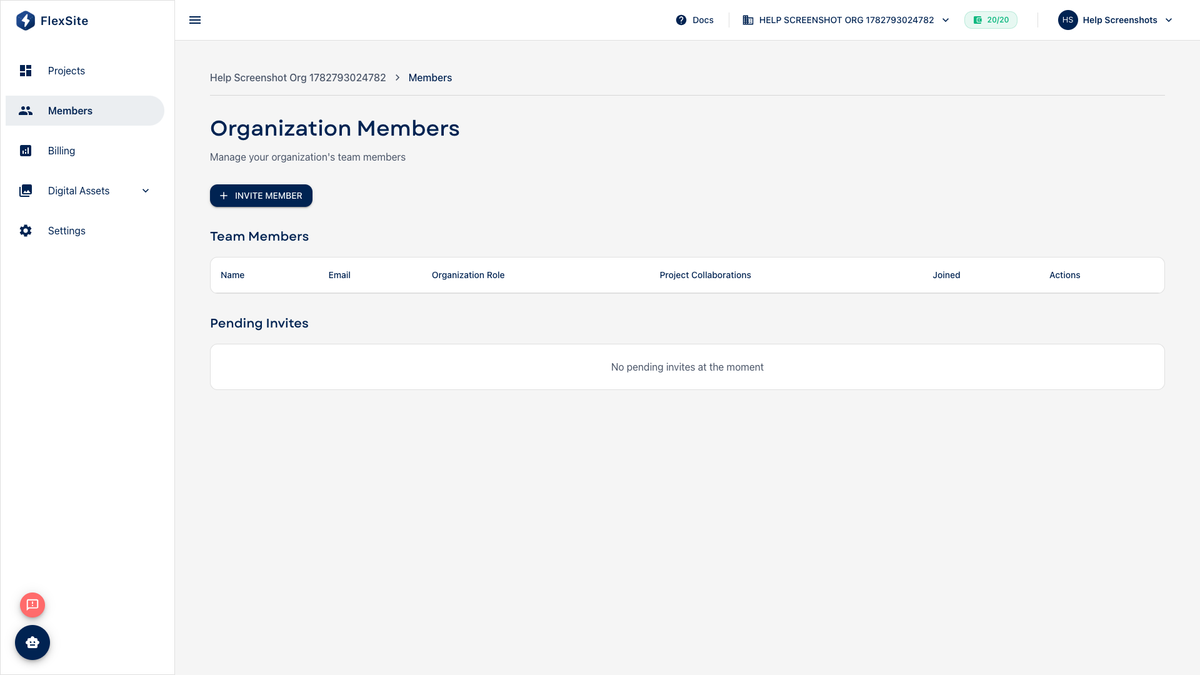
FlexSite has two layers of access: organization membership (who can sign in to your company account) and project roles (what they can do on each website). Inviting someone to the org does not automatically give them every project — you assign projects on Team.
Key concepts
- Organization invite — email invitation under Members; recipient creates or links a FlexSite login.
- Org role — Owner, Admin, or Member at the company level.
- Project role — permissions on one website (publish domains, change Build Settings, use Quick Login, etc.).
- URL permissions — fine-grained rules mapping sidebar areas to read/update/delete.
Example workflow
- Owner invites contractor@agency.com as org Member under Members.
- Owner opens the “Summer Campaign” project → Team → adds the contractor as Developer for that project only.
- Contractor sees the campaign site on Projects but not other client projects in the same org (unless added there too).
- Finance user stays org Member without project roles — they can open Billing if org Admin, but not Quick Login into Drupal.
Steps — invite to organization
- Open Members.
- Click Invite member.
- Enter email and org role:
- Owner — full control including billing (limit to founders).
- Admin — manage members, settings, usually billing.
- Member — base access; still needs Team assignments per project.
- Send invite. They accept via email link.
Steps — grant project access
- Open the project → Team.
- Click Add member and select an existing org member.
- Choose project role matching their job.
- Save — permissions apply immediately.
Remove access
- Remove project role on Team to lock them out of one site.
- Remove org membership on Members to revoke all projects and org Billing access.
Support ticket creation requires ACTIVE plan plus appropriate role — see billing guides if tickets are disabled.